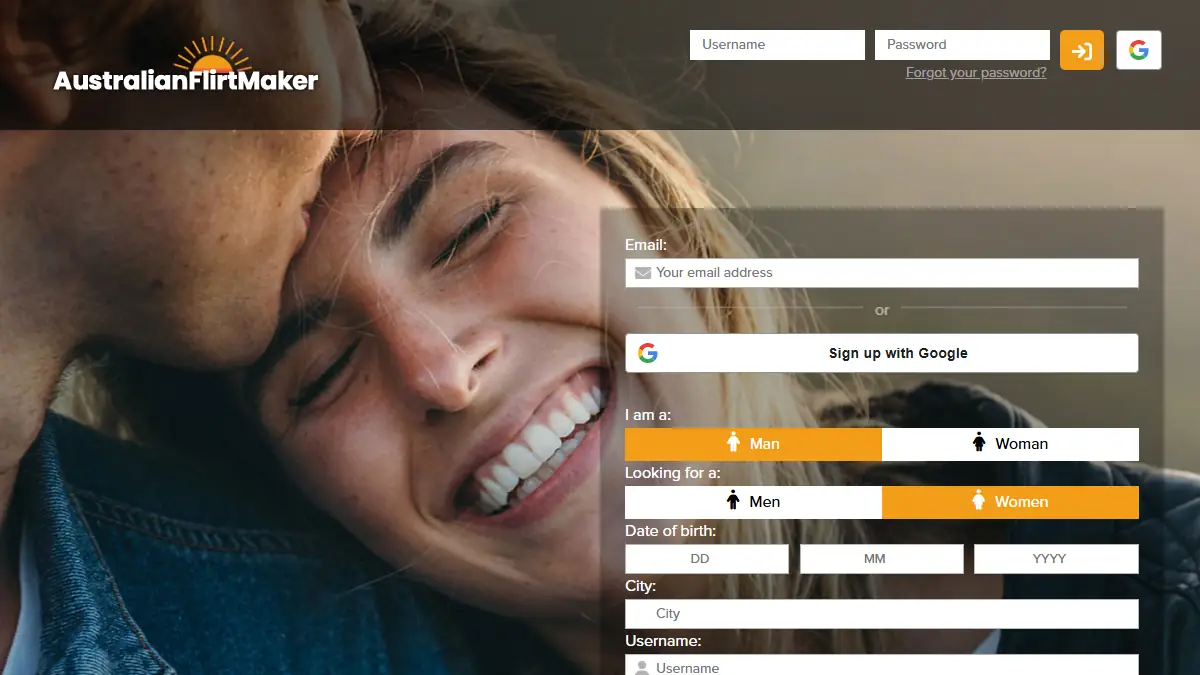

AustralianFlirtMaker: Sign Up, Create Your Profile and Meet Singles Online
Online dating has become a common way for Australian singles to meet new people. Without a complete profile and clear privacy settings, though, you may get few replies or share more than you meant to.
This page shows you how to sign up, build a profile that gets answers, and start chatting safely.
Sign up to AustralianFlirtMaker, the official online dating website
AustralianFlirtMaker is the official online dating website for casual dating in Australia. If you want to meet singles near you, this is where to start.
The sign-up includes a mobile confirmation step, so keep your phone nearby before you begin.
Only adults aged 18 and over can join AustralianFlirtMaker. Before you create an account, check that you meet this age requirement.
If you are under 18, don’t sign up. Once you confirm you are 18 or older, you can go on to registration.
Your free profile: photos, bio and what you are looking for
Other singles decide whether to say hello based on your profile alone. A complete one, with a recent photo and a short bio, gives them something real to react to. Outdated or empty details make people scroll past you.
Say clearly what you want, a relationship or a casual date. That saves time on both sides.
Fill in these parts of your profile, and keep private details out:
- Photos: clear, recent pictures of your face.
- Bio: a few lines on your interests and what you enjoy doing.
- Home address and phone number: never put them in your photos or bio.
- Workplace and street names: leave them out, even in the background of a photo.
Browsing member profiles and searching for singles nearby
Browsing member profiles and photos
Start by opening a member’s profile and reading the bio first. It tells you what someone is looking for and how they like to spend their time, so you can quickly see whether your interests line up.
Then look at the photos. Check that they show the person clearly and match what the bio describes. If a profile has only one blurry picture, look at other profiles first and come back to it later.
Searching for singles near your location
Want to meet singles close to home? Set your age range and distance in the search filters, then choose the nearby option to see members who live around you.
Some dating services use location to show nearby profiles. Look for a way to hide your exact location or show only an approximate one. Then check your account and device settings to limit who can see where you are.
Message and connect privately with other members
Found someone you like? Send a short first message that mentions something from their profile, such as a shared interest. It shows you read their bio and gives them an easy reason to answer.
Keep the chat on the site at first. Don’t share your phone number or move to another service if that would reveal personal details you want to keep private.
Take your time. Ask the other member about what they wrote, and let the chat grow over several days before sharing anything personal. If a chat is going badly, you don’t owe anyone a reply. Just stop answering.
If messages turn into harassment, take screenshots first so you keep a record. Then report the account or messages through the service. Save screenshots before you block.
How your privacy and safety are protected on the platform
Your login is the key to your account. Use a different password for each one. If one site leaks, the others stay safe.
Your profile is seen by other members, so check what it shows before you save. Never share your password, even with someone you are chatting with. On a shared computer, log out when you finish.
Check these privacy and safety settings in your account before you start browsing:
- Who can see your profile.
- Whether you can hide your location from other members.
- How to report or block someone who bothers you.
- How the service handles your personal information. Read the privacy policy to see exactly what is kept and why.
Can you block and report a member you do not want to hear from?
Didn’t like a message or a profile? You can block any member at any time, and it costs nothing.
Start with a report. Use the reporting tools to flag abusive profiles or messages, then block the person once you have reported them.
If the abuse involves family or sexual violence, or coercive control, start with an online safety plan. Make it before you report or block the person.
Write down what you need to keep safe and who you can turn to for help. Only after that should you report and block.
Access AustralianFlirtMaker from a desktop browser or your phone
Your account works the same way on desktop, tablet and phone. Sign in with the same login on any of them, and your profile, chats and settings stay in sync.
Start on your computer and finish on your phone, without creating a second account.
Before you download anything, check the official website for the browsers it supports. Browsers and phones each have their own requirements, so an old version can stop the site from loading properly.
App downloads are listed on the official site too. Install only from there, so you get the genuine app and not a copy from an unknown source.
Remember the basics: a complete profile with a recent photo and a short bio gets replies, and keeping your address, phone number and workplace out of view keeps you safe.
Take your time with each chat, and stop answering anyone who makes you uncomfortable.
Your next step is to sign up, then check your privacy settings before you start browsing.
Frequently asked questions
Is AustralianFlirtMaker free to join?
Joining starts with a sign-up that includes a mobile confirmation step, so have your phone ready. To see what joining costs, check the sign-up page before you share any personal details.
Can I browse member profiles before I sign up?
Whether you can browse member profiles before you sign up depends on the sign-up page, so check it on the official website first. Only share personal details like your name or phone number once you have looked.
Who is allowed to use AustralianFlirtMaker?
Only adults aged 18 and over can join AustralianFlirtMaker. If you are under 18, don’t sign up. Check your age before you create an account, because registration only continues once you confirm you are 18 or older.
Does AustralianFlirtMaker work on both mobile and desktop?
Yes, AustralianFlirtMaker works on both mobile and desktop, and it is one account across them. Sign in with the same login on your phone or your computer, and you get the same profile and chats wherever you are.
How do I block or report a member on AustralianFlirtMaker?
Use the reporting tools on AustralianFlirtMaker to report a member, then block them. Save screenshots of any abusive messages first, so you keep a record. Blocking costs nothing, and you can do it at any time.